
VERDI.MOV
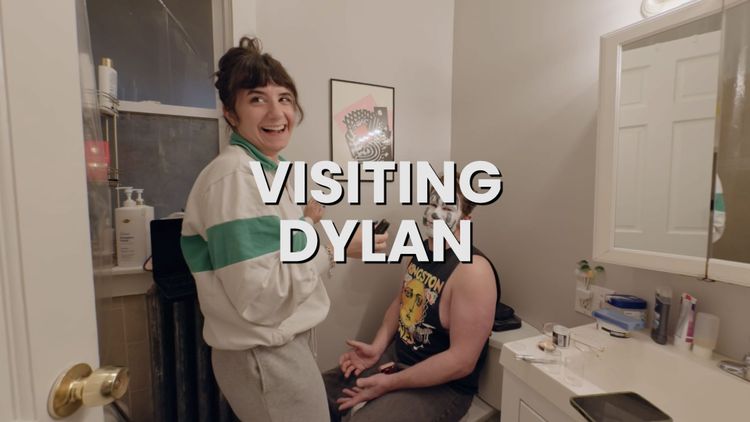
I’ve been using Ghost Pro (the paid, hosted version of Ghost) to run this site for a little more than a year now. My only complaint is its poor video support. The easy way around that is to just use YouTube. The thing about that is that I like to own my work and that’s not exactly the case with YouTube. So yesterday I made my own YouTube. Here’s a video I made a few years ago, hosted on it:
You might look at that and think, “What’s the big deal? It’s a video. Looks a lot like YouTube.” Exactly. Except it’s not on YouTube. It’s actually on verdi.mov which also has a YouTube-like home page you can browse (except it’s all my stuff). 2006 me’s head just exploded.
Details
If you’re curious, here’s more about what it does and how it works:
- The player itself is videojs.
- Most of the magic happens by running a script on my computer that takes a video and makes a folder with:
- 2160p, 1080p, 720p, and 480p versions of each video that are chopped into chunks a couple of seconds long (all done with ffmpeg). This is done for HLS streaming.
- You know how videos can start almost instantly and then maybe sometimes they get blurry for a few moments but keep on playing? That’s HLS streaming.
- A poster image and thumbnails that show up when you scrub over the progress bar or the poster image. This is also done with ffmpeg (though I usually go back and make my own poster image).
- A smaller, .webp poster image for the front page made with cwebp.
- Closed captions which are generated from the audio track by Whisper.
- A video.json file is generated with Python.
- 2160p, 1080p, 720p, and 480p versions of each video that are chopped into chunks a couple of seconds long (all done with ffmpeg). This is done for HLS streaming.
- I take that folder and upload it to verdi.mov which uses php to build the site and the RSS feed.
Old workflow was:
- Upload the video to YouTube.
- Wait for processing to finish.
- Grab the embed code and paste it into a blog post.
New workflow:
- Run the script on my computer and wait for processing to finish.
- Upload the folder to verdi.mov
- Grab the embed code and paste it into a blog post.
Member discussion