
Wastebasket
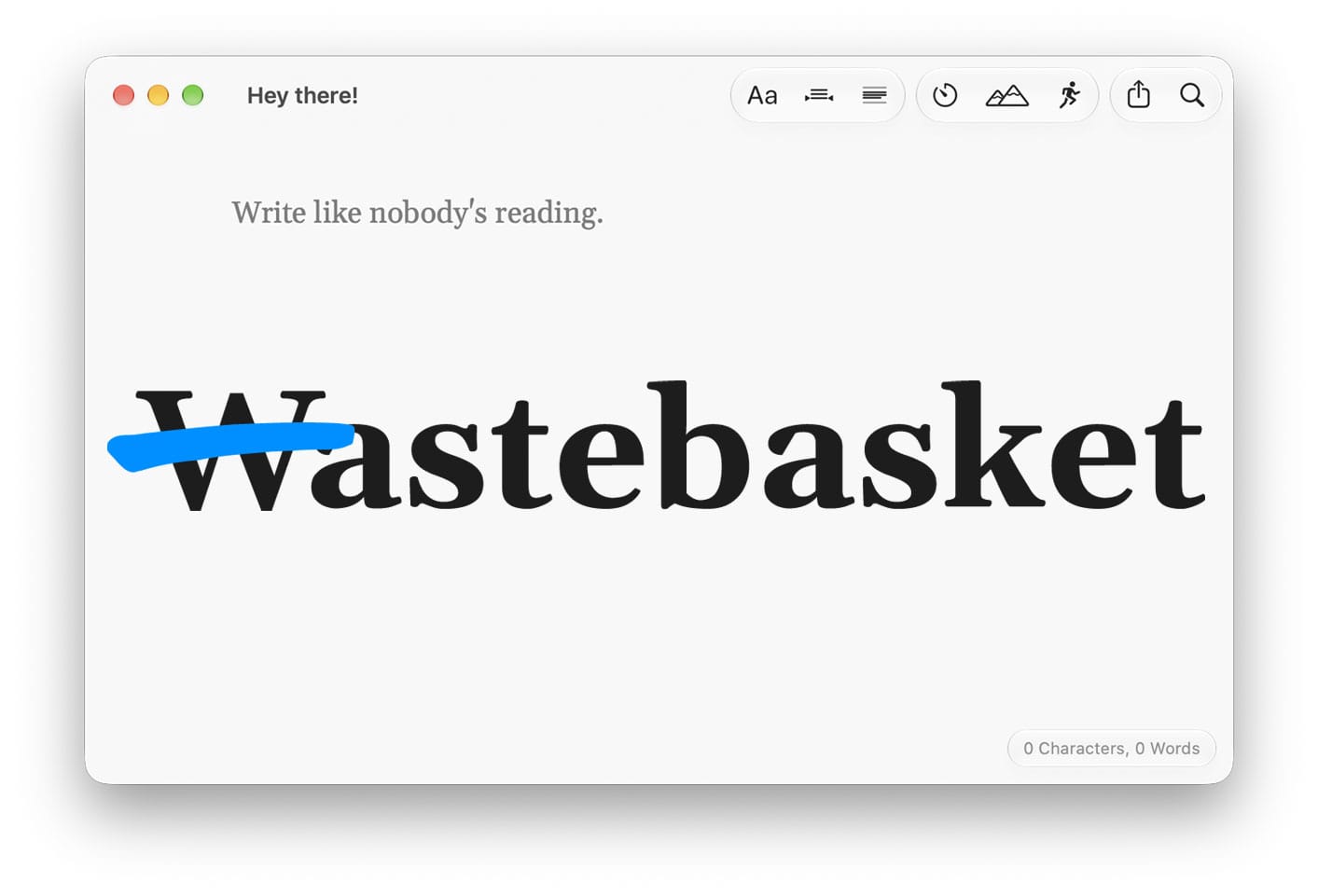
Twenty-one years ago, Ryanne Hodson and I started writing Secrets of Videoblogging. The publisher insisted we use Microsoft Word. I can’t tell you how many hours I spent listening to The Strokes while trying not to have an aneurysm as I screamed at Word’s constant interruptions and confounding UI during the fall of 2005.
Cut to 2024. While my distraction-free writing app choices were plentiful, none of them were perfect for me. My new hope was a standalone writing device. Mine was the Freewrite Alpha. Over time, some things that seemed minor became deal-breakers for me. The first was the fact that it was a whole, big-ass device. It’s bigger than my laptop and iPad together. And because it’s only for drafting, I was going to want to have one of those other devices around to do the editing. The result was that using it was mainly limited to my desk — right in front of my computer.
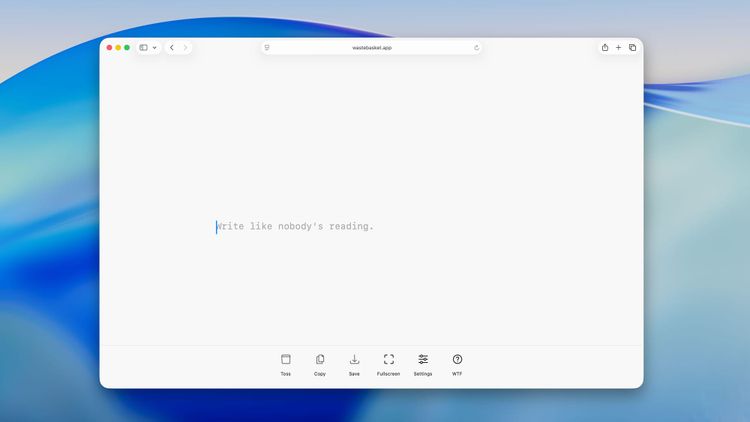
The promise of a device like the Freewrite is that it’s offline and distraction-free. But that promise ignores the fact that the world is bigger than this one device and outside of North Korea it’s fairly easy to be on the internet. You still have to have some ability to not pick up your phone for a minute. Is it really different than turning off Wi-Fi and making your writing app full screen? That’s what got me thinking of making my own app. This became the version of Wastebasket that I launched last year (it now lives here).
After using the web app for a while I found that I could indeed be happy drafting with it on my computer. But I hadn’t solved the other thing that bugged me about the Freewrite — 2 apps and only 1 direction. I could draft in Wastebasket and then edit somewhere else but I couldn’t take my edited writing and continue drafting. I had to create yet another new document. That’s just enough friction to become super annoying over time.
So this summer I began working on a version of Wastebasket that I could use for both drafting and editing (and then drafting again). I wanted it to be able to go offline to block distractions and otherwise stay out of your way. It’ll never be a do-everything app. I think it just needs to do enough to be enjoyable to use for a lot of writing tasks.
Need to write a screenplay? This isn’t for that. Need something to make quick notes? There are lots of good tools for that (I have a cool idea here that I hope to get to later this year). Are you writing a novel? You can probably do that with Wastebasket but you might find dedicated tools better suited. For everything else, Wastebasket might just be perfect.
Besides distraction-free drafting and editing, I’m designing Wastebasket to be a flexible tool that you can adapt to the way you work. It doesn’t have its own document organization. You’re free to store things wherever you want. There are no accounts and no cloud services built in. If you want to use one to sync your files you certainly can. It saves documents as Markdown files which are readable by many other programs so your writing is never locked in. If Wastebasket were to disappear, you’d be able to continue on your way using another app.
Wastebasket is definitely opinionated though. I’ve chosen the default settings I’ve always wished for but I made it all configurable. You can make different choices. Let me give you a short walkthrough.
Right now I’m running a closed beta. If you’d like to test it out, email me and I’ll get you set up. It doesn’t do everything (it never will), there are no mobile versions yet, but it’s already pretty darn good. I’ve been happily using it for a couple of weeks now. I’m currently using a Writing Sprint session to draft these words.
Sidenote: Wastebasket has a new icon.
Last fall I wrote a little about how I came up with the previous one. But after looking at it for most of a year, I felt like it didn’t have enough personality. So I’ve come up with something new. I started by swapping in a new capital W (in the new default typeface - Gelasio) next to the blue caret. Still not exciting. One of the things about this version is that you can edit what you’ve written. So I crossed out the W and thought, “oh, that’s interesting.” It got me thinking about those days of fighting Microsoft Word. Word has a W as an icon (or at least it’s often had a W as an icon). This was Word crossed out. Not Word. The anti-Word. That sounds about right.

Member discussion